
Schengen 90/180
You get 90 days in any rolling 180-day window across 29 countries combined. The window moves every day, and overstays can mean fines, removal, or a multi-year Schengen entry ban.
Travel-day records for iPhone
Add past trips, review your country totals, and check your recorded Schengen days. Choose Pro to keep future days current automatically on your iPhone.
 Manual tracking for 2 countries is free. Automatic tracking with Pro.
  Scan with your iPhone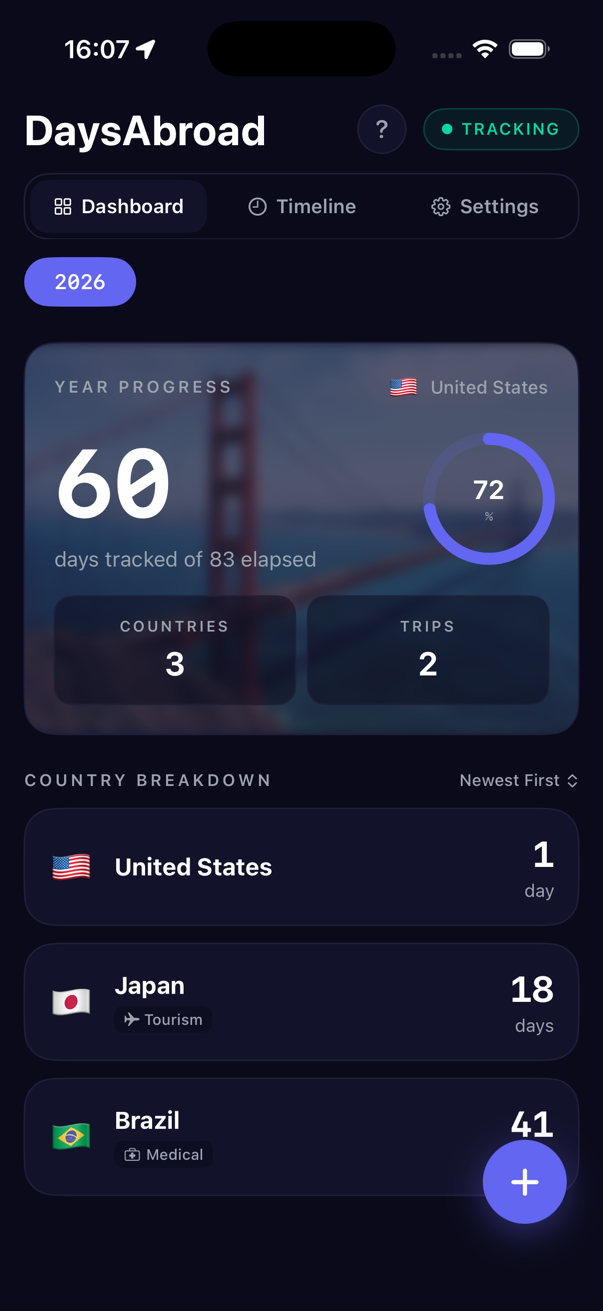
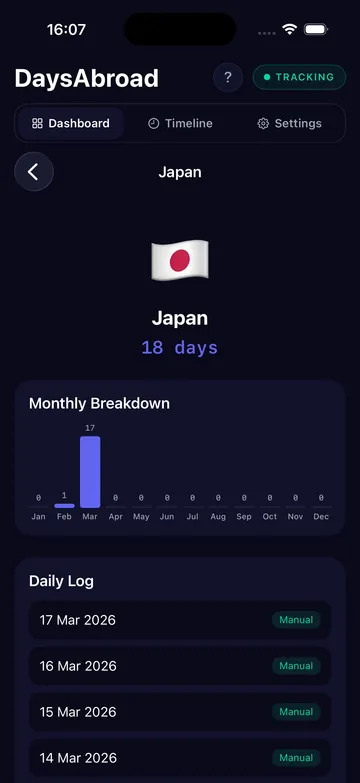
See the record behind the number
Open a country to see its monthly breakdown and individual days. Add previous trips and correct missing dates instead of relying on memory.
Already traveled this year? Add past stays first. Installing the app does not reconstruct earlier trips automatically.
Day-counting risk
Spreadsheets work until they do not. Entry days, exit days, layovers, overnight crossings, and rolling Schengen windows are exactly where manual records drift.
You get 90 days in any rolling 180-day window across 29 countries combined. The window moves every day, and overstays can mean fines, removal, or a multi-year Schengen entry ban.
Most countries start asking tax-residency questions once you spend 183 days there. Some use lower tie-based tests.
Entry days, exit days, layovers, and overnight border crossings are exactly where manual spreadsheets drift.
Border and tax authorities use their records. DaysAbroad gives you your own country-by-country timeline.
How it works
Start with your earlier stays. Pro records future country days when location tracking is enabled.
With Pro and location permission, DaysAbroad logs future country days using significant-location updates rather than continuous GPS.
Days per country, Schengen days used, and the date a limit starts to bite.
Open any country, scan the month view, and correct a missed layover or border day.
CSV and JSON, ready for accountants, visa paperwork, or your own archive.
The app
Review your country totals, check recorded dates, and export your history with Pro.
Schengen window
62/ 90
28 days remain. Days become available as older stays leave the window.
Review recorded days across the rolling 180-day window.
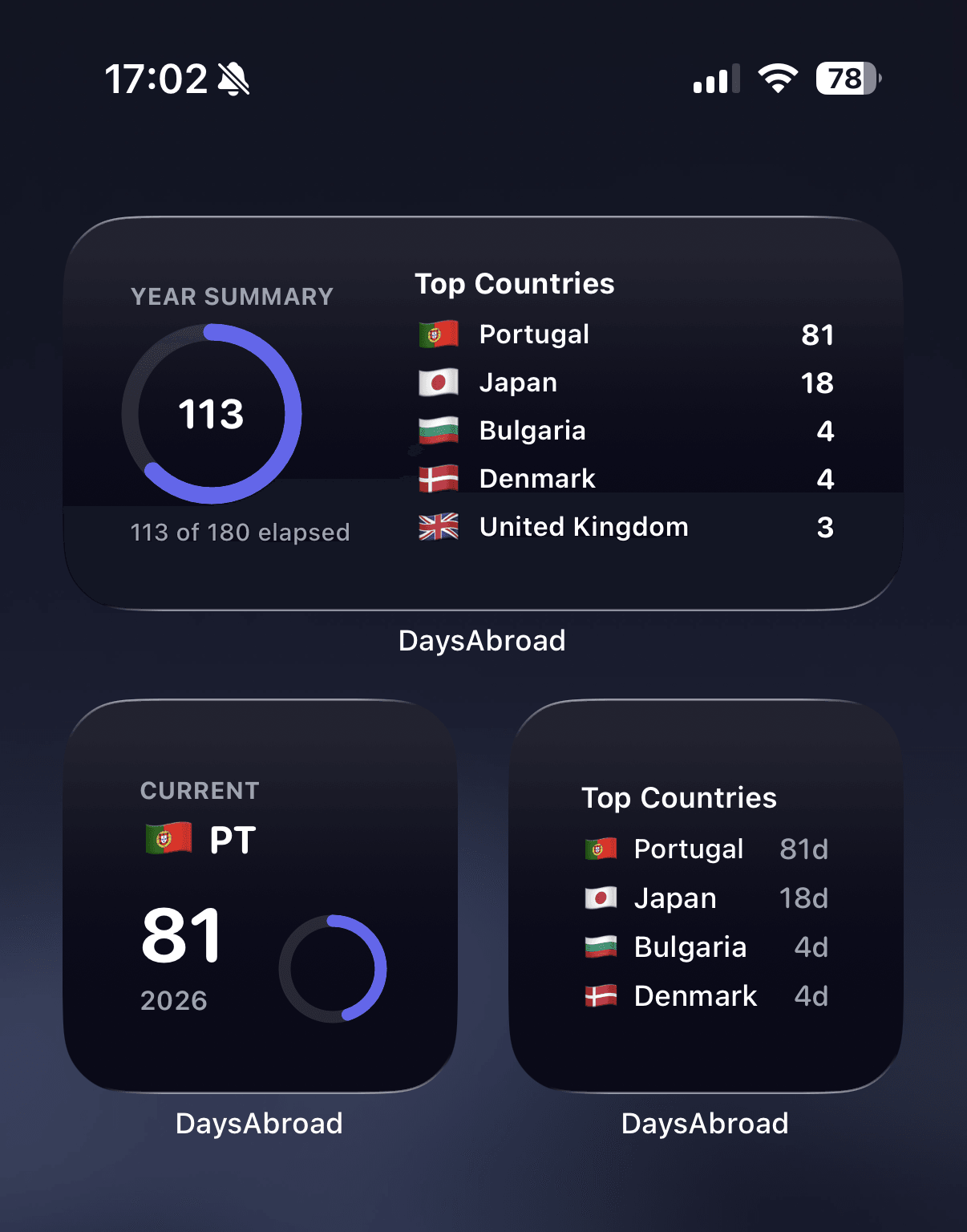
The year's travel, day totals, and progress, no spreadsheet.
Day log · 2026
CSVJSON ready to share
Day-by-day logs your accountant, lawyer, or future self can open.
Use cases
Different travelers need the same reliable record for different reasons.
FAQ
Add past trips and review your country days for free. Choose Pro when you want automatic tracking, multi-year history, and exports.
Free manual tracking for 2 countries · Choose Pro in the app Scan with your iPhone